It's meant to help you navigate apps like Netflix, WhatsApp, and YouTube much more easily
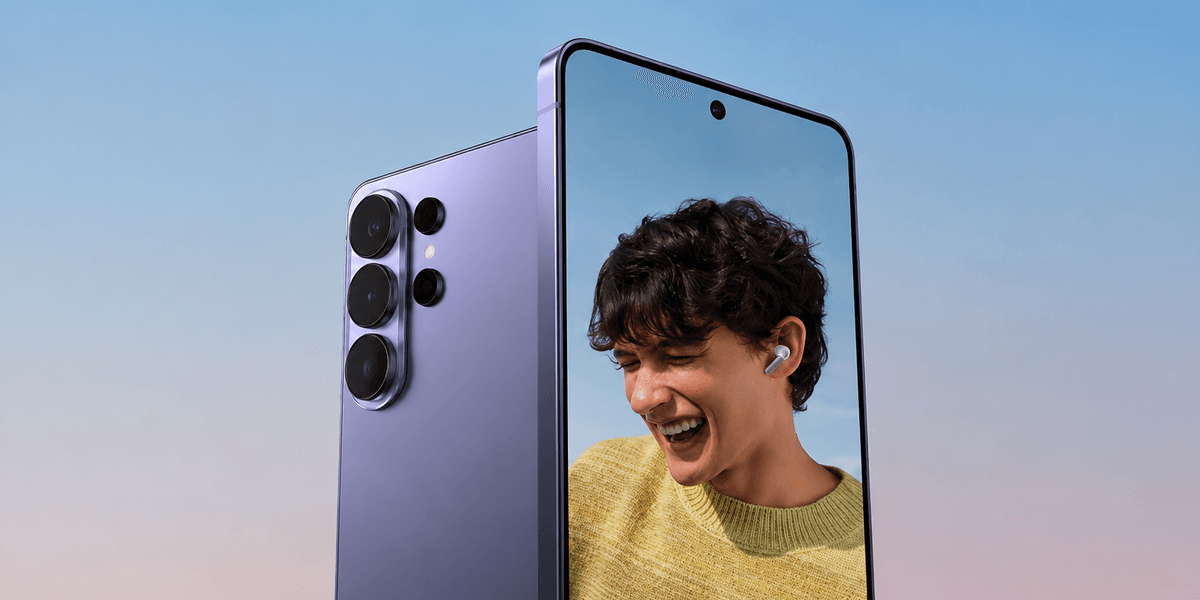
Samsung could be rolling out a handy update to its Galaxy S26 Ultra, making its standout features far more practical.
The One UI 9 — the latest operating system for Samsung Galaxy devices — might be improving how Privacy Display handles picture-in-picture videos. Well-known tipster @UniverseIce wrote on X, formerly Twitter: "Samsung has introduced a very useful upgrade to the Privacy Display feature on the Galaxy S26 Ultra in One UI 9."
For those unfamiliar, Privacy Display narrows the light output from the screen so only the person directly in front of it can see what's on it. Anyone peering from the side gets a darkened view. It turns out Samsung has now taught this feature a neat new trick involving those small floating video windows.
If you're watching a video with Privacy Display switched on and then shrink it down to a little floating window, the entire phone screen goes into privacy mode. Everything becomes obscured, not just the video — which is a bit of a pain. But now that's supposed to change.
X user @UniverseIce continues: "For example, if you've enabled Privacy Display only for YouTube, when you minimise the video into Picture in Picture (PiP) and return to the home screen, only the PiP window will remain protected by Privacy Display. Your home screen and other apps will no longer be affected."
Heads up! Samsung has introduced a very useful upgrade to the Privacy Display feature on the Galaxy S26 Ultra in One UI 9.
— Ice Universe (@UniverseIce) July 21, 2026
For example, if you've enabled Privacy Display only for YouTube, when you minimize the video into Picture in Picture (PiP) and return to the home screen,… pic.twitter.com/ck1IqxUppo
If the update comes to fruition, this means you minimise a video from an app like YouTube into that small picture-in-picture player, only the floating video window itself gets the privacy treatment. The rest of your home screen stays completely bright and easy to read, just as you'd expect during normal use.
There are a couple of things to keep in mind to get this working properly. Whispers suggest you'll need to turn on Privacy Display for specific apps individually rather than applying it across the whole screen — if you've got it set to cover everything, the feature won't kick in for floating videos.
The good news is that you might be able to drag the little video window wherever you like on the screen, and the privacy filter is meant to follow it around correctly.
It's not just YouTube that would benefit, either. Apps like Netflix, WhatsApp, Zoom and Google Meet all support picture-in-picture video, so there's plenty of scope for keeping sensitive calls and streams away from wandering eyes on the train.