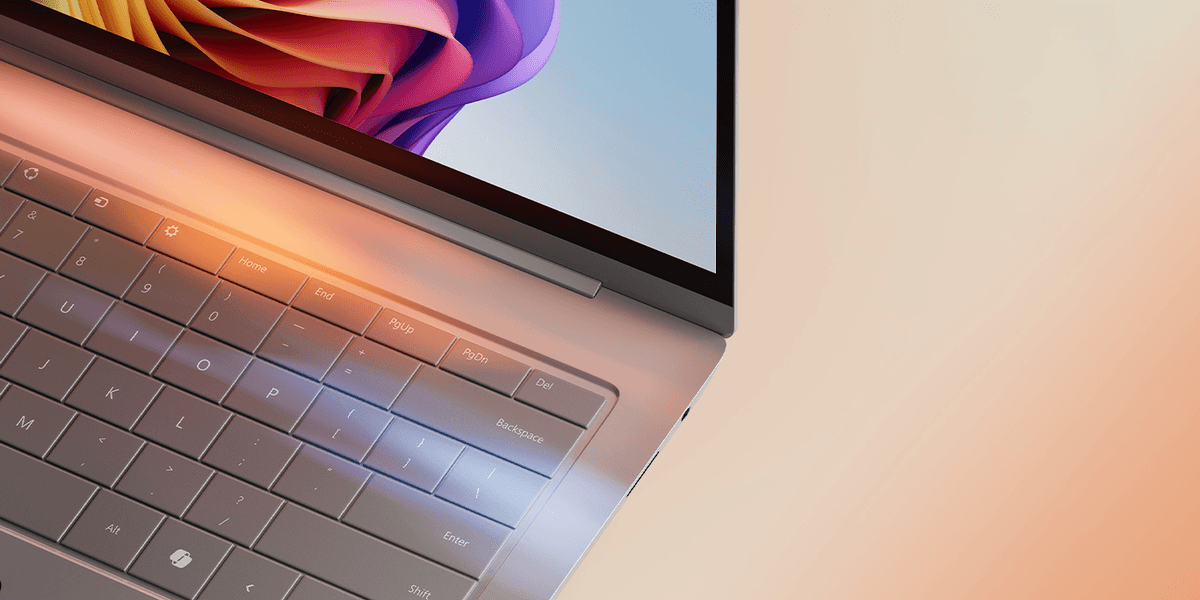
Microsoft is hard at work on an update for Windows 11 that will let you reassign the Copilot. For the first time, PC owners will be able to assign this button to do absolutely nothing. It's true, one of the options will be to reassign the Copilot button to not take any action in the desktop operating system.
If you're unfamiliar with the Copilot key, this was introduced back in 2024 as a speedier way to launch the Copilot assistant, the conversational Artificial Intelligence (AI) baked into Windows 11 that relies on the same smarts as ChatGPT. It's designed to let you write text, calculate figures, generate new images, and answer queries.
It's a little like the Clippy assistant that used to pop up in older versions of Microsoft Office, but with the power of modern LLMs. For example, in Microsoft Word, Copilot can draft content, restructure documents, and adjust tone. Excel users can get help with formulas, data analysis, and creating charts.
PowerPoint gets assistance with building presentations and updating slides. Each of these features should cut down the time spent on work.
Microsoft still insists that so-called Copilot+ PCs, a new category of devices that benefit from a raft of exclusive features that you won't find on other Windows 11 models, must ship with one of these buttons on the keyboard.
The arrival of the Copilot key marked the first shake-up to the Windows keyboard layout since the Start key was introduced back in 1994. It's not something that Microsoft does very often, so this is a big deal.
But just two years on, the Copilot key clearly hasn't seen the adoption that Microsoft was hoping for. With the ability to trigger the AI assistant by stating the phrase "Hey, Copilot", the Copilot app built into the taskbar on your Windows PC, or the shortcut Windows + C on any keyboard... there's no shortage of ways to summon the AI helper.
And so, Microsoft is testing the ability to reassign the Copilot key to do something completely different. Amongst the options available for Windows 11 users is an instruction to "do nothing".
The incoming change was first spotted by Microsoft watcher PhantomOfEarth, who posted a screenshot of the dropdown with the option to "do nothing".
If you pick this option, the Copilot key stops working and won't respond when you press or hold it.
If you want less Artificial Intelligence in your desktop operating system, making this change to the Copilot key is a strong start. However, it's a stark contrast to how Microsoft was speaking about its dedicated AI button just a few years ago.
Microsoft compared the Copilot key to the Windows key, which was added to keyboards nearly 30 years ago, ahead of the launch, with Chief Executive Satya Nadella stating that Copilot could become the new Start menu.
“We see this as another transformative moment in our journey with Windows where Copilot will be the entry point into the world of AI on the PC,” said Yusuf Mehdi, former Consumer Chief Marketing Officer at Microsoft.
Microsoft has gradually rowed back on a swathe of Artificial Intelligence features throughout its applications and operating system. Some of the most visible Copilot integrations in Windows have been rolled back after criticism that AI had become too intrusive.
Instead of weaving Copilot into apps like Photos, Notepad, Widgets and Snipping Tool by default, the company says it will focus AI where it genuinely improves everyday tasks.
The change doesn’t mean Copilot is disappearing, but rather, it signals a shift towards a cleaner Windows experience with fewer AI prompts and more user control.