Thank you for subscribing!
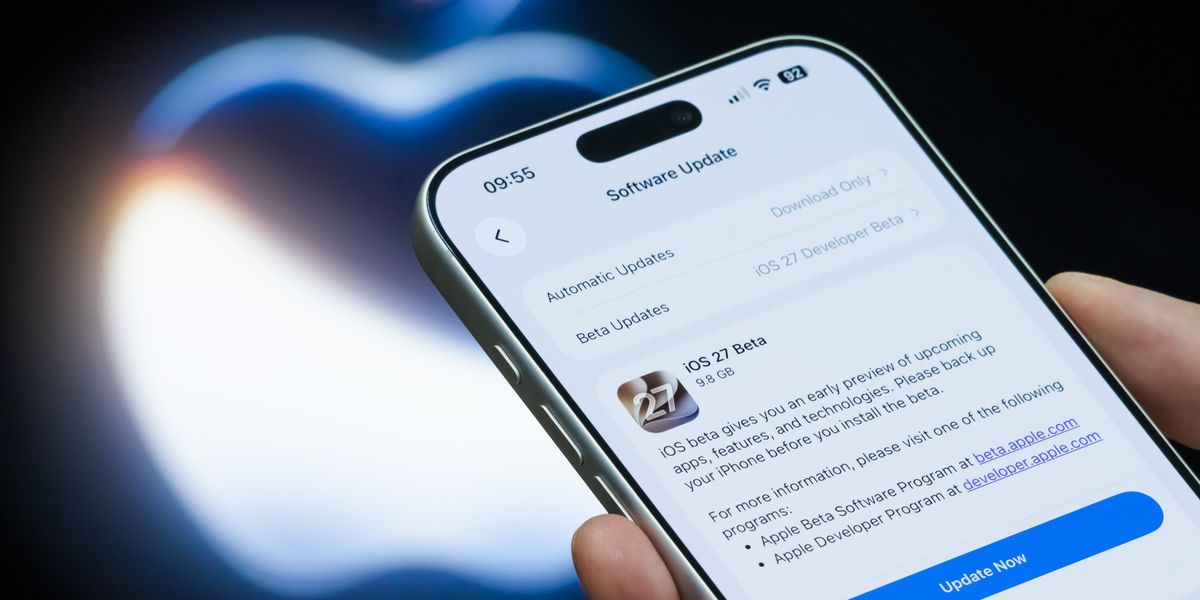
In the next few hours, Apple will launch iOS 27 to iPhone owners worldwide.
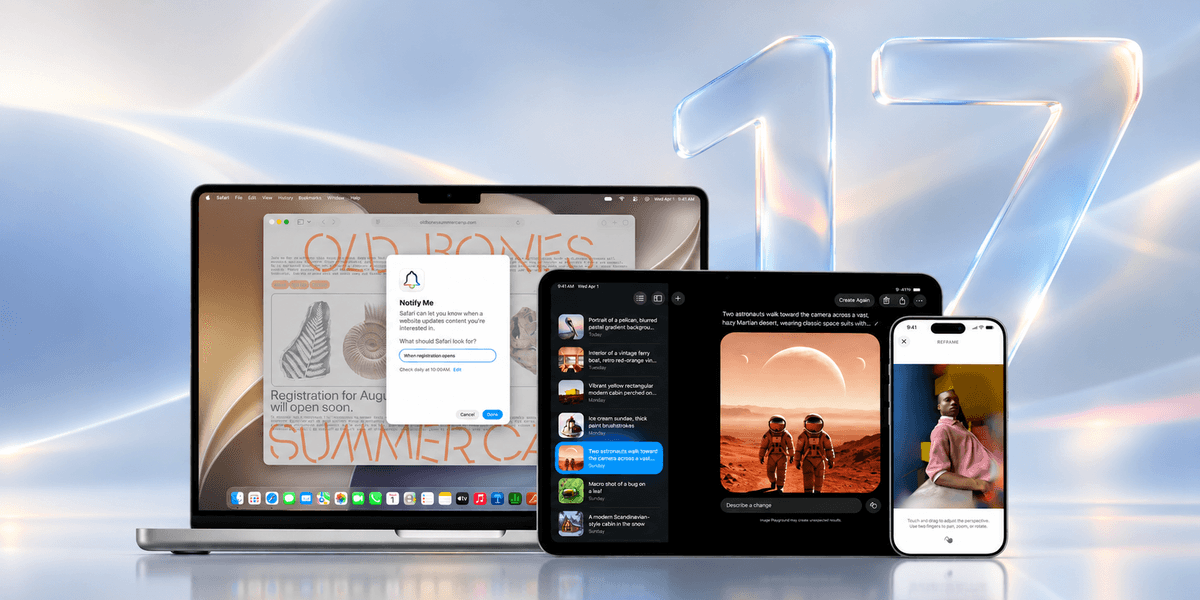
The next-generation software update, which will be preinstalled on the iPhone 18 Pro, iPhone 18 Pro Max, and upcoming iPhone Duo at launch, delivers improved performance for older iPhones, strict new child safety controls, and a reworking of the top-to-bottom Liquid Glass redesign introduced last year.
Unlike its predecessor, iOS 26, which ditched support for three older iPhone models when it was announced, the incoming iOS 27 will be available on every iPhone that supports the current operating system. In other words, if your iPhone is currently running some version of iOS 26, then you'll be able to upgrade to iOS 27 when it's released.
The following iPhone models will be able to upgrade to iOS 27 when it's released:
However, just because your iPhone is able to download and install iOS 27, that doesn't mean you'll benefit from all of the new features baked into this new mobile operating system. Some features, like the reimagined Siri AI assistant, will be exclusive to iPhone 15 Pro, iPhone 15 Pro Max, or any handset newer than iPhone 16.
Senior Vice President of Software Engineering Craig Federighi announced a swathe of new features, design tweaks, and performance improvements coming as part of iOS 27 at Apple's Worldwide Developer Conference earlier this summer. This annual software showcase gives a headstart to the teams behind some of the biggest apps and subscriptions, so they add support for the latest changes in their software at launch.
In the coming hours, you're likely to see the results of that work as a flurry of iOS app updates start to roll out worldwide following the launch of iOS 27. Mr Federighi, who has spearheaded development of its operating systems since 2012, couldn't cover everything baked into iOS 27 during the 70-minute keynote.
GBN Tech has been busy digging into the upcoming operating system to find a handful of new features and tweaks that will be rolling out free of charge to iPhone owners tonight.
1. Better sleep when you travel
Apple has tweaked the way its Sleep tracking handles different time zones. For the first time, it'll recognise when you've jumped forward or backwards in time and group multiple recordings together to give a better overview of how much sleep you were able to get within 24-hours.
It's a small, but very welcome tweak for frequent fliers — making your sleep routine far less likely to fall apart the moment you cross a border. For those who don't know, the Sleep feature built into Apple Health is designed to help you build a consistent bedtime routine and better understand your habits.
You can set a sleep schedule, create a goal in hours, enable Sleep Focus to reduce distractions from notifications pinging on your iPhone during the night, and use Wind Down to prepare for bed before your chosen bedtime.
2. Get photos from Windows and Android users
Apple is making its iCloud Shared Albums a lot more inclusive. For the first time, friends and family with Android smartphones or tablets, or Windows PCs can contribute photos and videos through iCloud.com, removing one of the biggest frustrations for mixed-device households. You'll also be able to download photos and videos from the communal album too, so that everybody has the shots they need from a big gathering.
Apple will let you add photographs at full resolution with no compression for the first time. Whether you're sharing holiday snaps, wedding photos or family memories, everyone can now join in without needing an Apple device.
3. Let Artificial Intelligence create a Shortcut for you
Apple introduced its Shortcuts app back in September 2018, but despite it being preinstalled on your Home Screen for almost a decade, you'd be forgiven for not relying on the app all that much. The app, which lets you automate repetitive tasks and execute multi-step actions across apps with a single tap, widget, or voice command, can be a little intimidating to newcomers.
With iOS 27, that all changes. Apple is making Shortcuts much less fiddly by adding the ability for Artificial Intelligence to do all of the heavy lifting and create the recipe for you. Simply describe what you want in plain English, and Apple Intelligence builds the workflow for you, linking the required actions automatically.
You can then tweak it conversationally, making powerful automations accessible without having to wrestle with Shortcuts’ complex setup. For example, say something like “When I’m leaving work, message Pedro I’m on my way with my ETA" and this will create a recipe that automatically sends that text message based on your live location data — removing another thing for you to remember to do.
If you haven't tried Shortcuts, this is the year to deep-dive into the powerful world of iPhone automations.
4. Failed messages will automatically retry sending
Few things are more annoying than sending a message, assuming it's gone through, only to discover that it never left your iPhone. With iOS 27, Apple's engineers have tried to tackle that problem by improving how Messages handles poor connections. If a message fails to send, your iPhone will try again when network conditions improve, helping reduce failed sends when you're travelling, underground, or stuck with patchy mobile coverage.
Coupled with Connectivity Assist — an overhauled version of the Wi-Fi Assist feature previously built into iOS, which Apple says is much better at reverting to 4G or 5G connections when your iPhone connects to a weak Wi-Fi network or one that requires a login, like those in coffee shops and airports, and iMessage should be much more reliable.
If it's taking a while to send a lengthy video file or full-resolution photo, Apple will continue to upload the content in the background, with a small progress bar updating you on the progress. You can continue to send new messages, which will be delivered in chronological order, with the largest file appearing in low-resolution until it's processed.
Combined, these small quality-of-life improvements should keep iMessage competitive with alternatives like WhatsApp, Signal, and Messenger.
5. Separate alarm volumes
Dig into the Settings app on iOS 27, and you'll find granular volume controls. Instead of relying on a single master volume slider — like you'll find on iPhone at the moment when you press the + and – volume buttons on the side of the handset — you'll find individual sliders for alarms, timers, notifications, and system sounds.
If you're a heavy sleeper, you can set your morning alarm loud enough to wake you up, while dialling down the ping of incoming text messages throughout the day.
While most iPhone owners will continue to set a system-wide volume with the buttons on the side of the handset, this practical addition will offer some users far more control over how intrusive — or discreet — their devices are.
6. XXL Widgets on your Home Screen
Apple introduced Widgets to iOS back in 2020, letting you customise the static grid of app icons with previews from inside your apps, including memories from Photos, the latest headlines from Apple News, weather conditions, an overview of your Calendar, and more.
With the introduction of iOS 27, developers can add a new size for these interactive widgets, which occupies the same amount of space as 4×6 iOS app icons. Yes, that's an entire page of your iPhone's Home Screen.
If you want a detailed view from inside some of your favourite apps without the need to open them, this could be the perfect solution. On iPhone, you won't be able to resize a Home Screen widget by dragging its edges. First up, you'll need to press-and-hold on an existing app icon. This will summon a pop-up with icons denoting the different sizes, letting you quickly choose the size of the Home Screen widget.
If you don't already have the widget on your Home Screen, press and hold on a blank spot until everything starts to jiggle. Press the paintbush icon in the top left-hand corner, then tap Add Widget shortcut.
Choose the application from the list, then left or right to choose a different size. Drag the new widget where you want it on your Home Screen, then tap Done to add it to your iPhone.
7. One phone number, two iPhones
iOS 27 lets a single mobile number work across two iPhones. Your mobile network will need to add support for the functionality, but this nifty new feature means calls and text messages can reach either device.
The phone number instantly activates on whichever iPhone you pick up and unlock.
If you want to take an older, less valuable iPhone to a festival, or want to jump between a work and personal device without juggling two numbers, this new addition lets you run two SIM- or eSIM-equipped iPhones with the same number, monthly call and mobile data allowance. Your Find My location data will update automatically based on whichever iPhone you're using at the time.
The message “Switched to this iPhone” will display at the top of your screen to confirm it’s now active. Your phone number will only be active on one iPhone at a time when using the feature, dubbed iPhone Handoff.
Initial support launches with T-Mobile in the United States, Telecom in Germany, with mobile networks Verizon and EE pledging to add support later in the year.
8. Connect your iPhone directly to gym equipment
This feature first launched with watchOS 4.1 back in October 2017, enabling a two-way, real-time data sync between an Apple Watch and compatible gym equipment, such as treadmills, ellipticals, and stationary bikes via NFC.
With the roll-out of iOS 27, iPhone models will be able to connect to compatible cardio machines without the need to own an Apple Watch. Workout data from supported treadmills, bikes, stair climbers, and ellipticals will be imported into the Activity app and Apple Health for more accurate tracking of your exercise.
Apple's recently-launched AirPods Pro 3, which introduced a heart-rate sensor for the first time, will also be able to communicate with the kit in your local gym. The feature works via two-way exchange of data, so that speed, pace, distance, calories, and heart rate shown on the screen of the equipment will match across your iPhone, AirPods Pro 3, or Apple Watch.
Granted, it's not the flashiest feature coming to the new operating systems, but it could be one of the most useful.
9. Temporarily hide your location in Find My
Apple is offering more flexibility in the Find My app, letting you pause location sharing with a specific contact until the next morning. Whether you're planning a surprise, taking a personal day, or simply want a little extra privacy without completely disabling location sharing. You can re-enable location sharing with a tap, or if you do nothing, the system will kick-in again the next day automatically — so there's nothing to remember.
10. Sketch in iMessage
You've always been able to send a hand-drawn message in iMessage by turning your iPhone horizontally and doodling in the text field. However, Apple has decided to formalise the process — and add a slew of new options — with its new Drawing option hidden under the + shortcut in iMessage.
You can quickly sketch out ideas, pen handwritten notes, or draw simple diagrams and send them directly in a conversation. Apple includes the same options as its Markup feature to annotate documents, so there's a swathe of colour options for the pencil, pen, and highlighter.
Whether you're explaining directions, doodling something silly, or just want to send something handwritten, this new feature promises a useful — and personal — touch to your communication.
11 Connectivity Assist keeps you online for longer
Apple wants your devices to spend less time hunting for a connection and more time actually using one. Connectivity Assist intelligently manages transitions between available networks, helping maintain connectivity as conditions change.
In theory, that should mean fewer interruptions when moving between Wi-Fi and mobile data, resulting in a smoother experience for navigation, streaming, video calls and other network-dependent tasks.
12. Scrub through media in CarPlay
If you connect your iPhone to the infotainment system in your vehicle via CarPlay, iOS 27 brings a welcome upgrade. Apple is making it easier to navigate audio playback directly from the Now Playing screen.
Whether you're listening to a podcast, audiobook, or song via CarPlay, you can scrub forward and backwards by tapping and holding on the progress bar to find the exact spot that you're looking for. It's a subtle improvement, but one that should make it easier to skip the adverts or find the chorus.
13. Supercharged slideshows
For years, the Photos app has supported a pretty rudimentary slideshow feature. Apple will automatically generate Memories — personalised collections of your own photos and videos that highlight significant people, pets, places, activities, and events from your library — but customisation was limited. If you wanted to create a photo slideshow for a family event, you'd probably have to look elsewhere.
That all changes with the arrival of iOS 27. You can now choose from any set of photos or videos in your library. Apple has added the ability to alter transition style, duration, and music. You can choose to have the slideshow automatically loop. When you're finishes, you can save it as a video file to easily share.
To get started, select the photos and videos that you'd like to include in the Photos app, then hit the ... icon in the top right-corner and choose Start Slideshow. You can then customise the transition between snaps, with options like Crossfade, Fade to Black, Exposure Bleed, Pan, Scale, Rotate, Wipe, and Cut. You can also change the amount of time spent on each photo, as well as the total length of the final video.
The ability to use Apple Intelligence to bring together photos from across your collection based on criteria written in plain English — show me photos of mum and dad at the seaside over the years, or pictures of my daughter as a baby — and then further customise the length, pace, and music, still exists in iOS 27 too.
14. Quickly find photos you've personally taken
Apple's Photos app is getting a helpful new shortcut, dubbed Captured by Me. As the name suggests, this section makes it easier to separate your own photography from the barrage of screenshots, pictures saved from WhatsApp, and downloads that accumulate in the Photos app over time.
15. FaceTime from every camera
iOS 27 introduces a new dual-camera feature to the FaceTime app, letting you send footage from the front- and rear-facing cameras on your iPhone at the same time. This lets the person you’re calling see both you and what you're looking at.
This will be particularly useful when showing someone a view, demonstrating how something works, or sharing a moment without completely disappearing from the frame.
16. Calendar can create events from simple text requests
Apple Intelligence is making its way into the default Calendar, so you can create events simply by describing what you're doing in natural language. Instead of filling out multiple fields — location, date, time, contacts — you can write a sentence about what you're doing and let the app extract the details.
This feature has been available in third-party apps, like the incredible Fantastical, for some time. But this is the first time the functionality has been baked into Apple's preinstalled Calendar app, bringing it to a much bigger audience. It also combines neatly with the dictation feature, letting you narrate your plans in natural language and leaning on Apple Intelligence to work out where, when, and who will be part of your plans.
17. Apple Maps gets a visual overhaul
Maps is receiving some of its most impressive visual improvements in years. Dubbed Enhanced Flyover, the new in-app experience adds a much more detailed representation of cities and landmarks. To bolster the detail in Apple Maps, the company is relying on a mixture of high-resolution aerial imagery and Artificial Intelligence (AI).
Whether scouting a location before a trip or simply exploring a city from a new perspective, Apple is promising a "more lifelike" glimpse at some of the most-visited spots on the planet. It's another example of Apple continuing to refine the details that make its software feel a little more polished than before.