Thank you for subscribing!
Make sure you have enough space to download the latest software upgrade
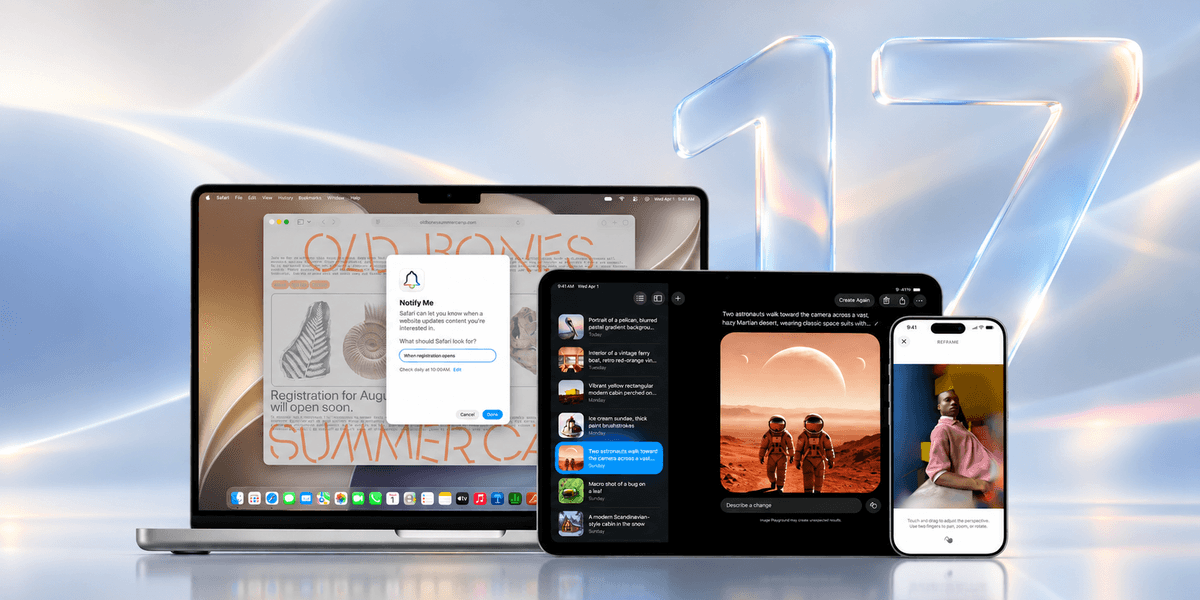
Apple is poised to launch its hotly anticipated new iPhone update worldwide. iOS 27 will be available to download and install tonight, provided your iPhone model supports its blockbuster new features.
If Apple sticks with its usual release window, we'd expect iOS 27 to roll out around 6pm BST. That's 10am in California, where the spaceship-like Apple Park headquarters are located.
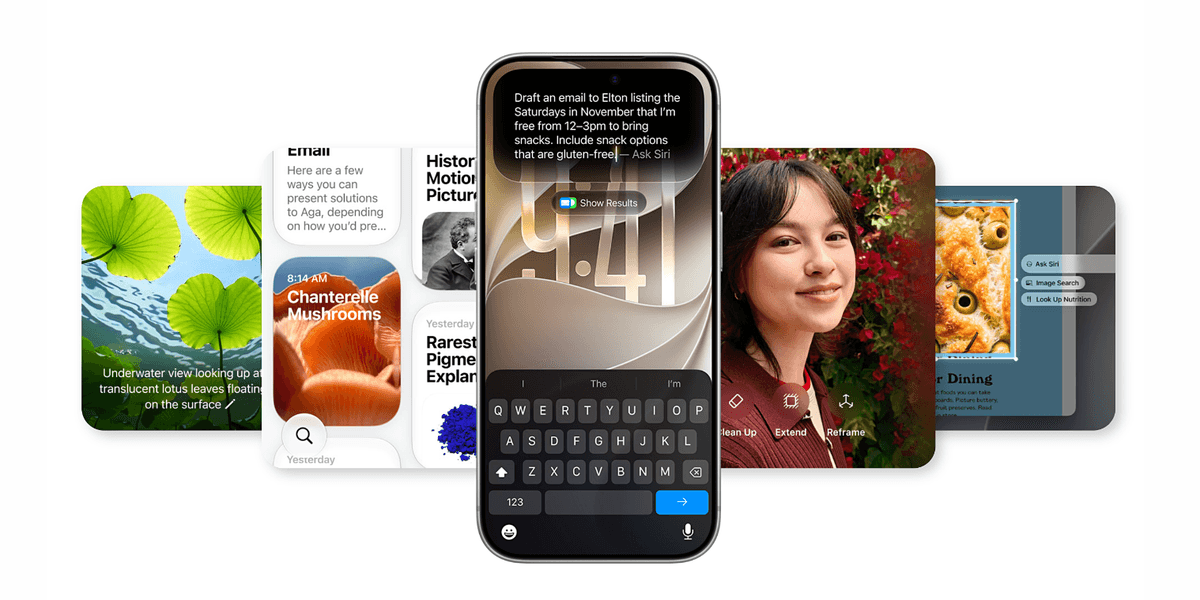
Unlike its predecessor, iOS 26, which ditched support for three older iPhones when it was announced, the upcoming iOS 27 will be available on every iPhone that supports the current operating system. That said, some of the cutting-edge Artificial Intelligence (AI) features — like the reimagined Siri AI assistant — will be exclusive to newer models.
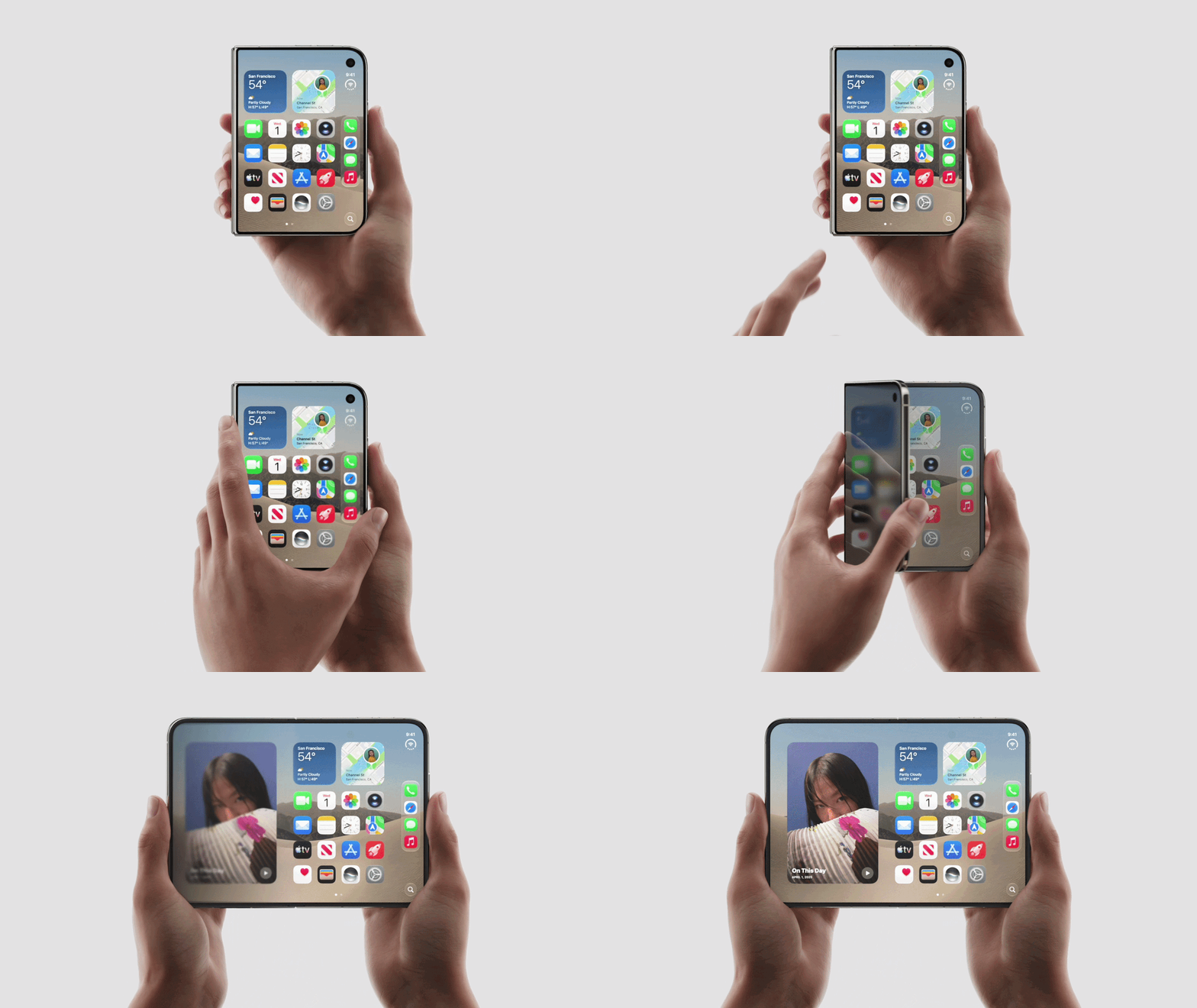
iOS 27 will refresh the Liquid Glass redesign introduced last September with more customisation, strict new child safety controls, and improved performance for older iPhones with up to 30% faster app launches. Aside from the latest features, there are several other critical — albeit, less flashy — benefits when upgrading your phone.
For starters, the latest software adds new safeguards by patching vulnerabilities and fixing glitches to bolster the performance and security of your handset. Sound good?
Great, but before you download iOS 27 to your iPhone this evening, there are a few steps you may need to take to get your phone fully prepped for the download to ensure there aren't any hiccups.
First, you'll want to make sure you're backing up your data, such as your photos, videos, and more.
While there shouldn't be any issues in upgrading to the latest software, there have been a few reported issues in the past, so you can't be too careful. Back up your data following these instructions:
Next, you'll want to look up and see if your phone has enough space to handle the upgrade. The actual size of iOS 27 hasn't been stated, but it's recommended to have anywhere between 4GB and 6GB of extra space. If you don't have this, then it might be worth deleting a few unused apps or photos to make room.
Storage for iPhone is typically handled through iCloud, which is a cloud-based storage option.
Check your storage capacity by following these instructions:
If you're phone still needs extra room, then you can also offload some of the data onto your Mac or MacBook without having to lose anything. This can be achieved by using iTunes, which is Apple’s media software, used to buy, organise, and play music, movies, and podcasts.
Follow these steps to transfer the extra data to your computer:
Once these are all done, you're now ready to download iOS 27. To begin updating your phone to the latest version of Apple's operating system, navigate to Settings > General > Software Update
It's worth noting that the update may take several minutes, so you may want to wait if you're expecting an important phone call, as the phone will be completely unusable until the update is complete.
Which iPhone models can update to iOS 27?
The following iPhone models will be able to upgrade to iOS 27 when it's released:
However, just because your iPhone is able to download and install iOS 27, that doesn't mean you'll benefit from all of the new features baked into this new mobile operating system. Some features, like the reimagined Siri AI assistant, will be exclusive to iPhone 15 Pro, iPhone 15 Pro Max, or any handset newer than iPhone 16.
That's because, as much as possible, Apple Intelligence will attempt to run its task on-device, so you'll need one of Apple's latest processors to be able to handle those tasks.