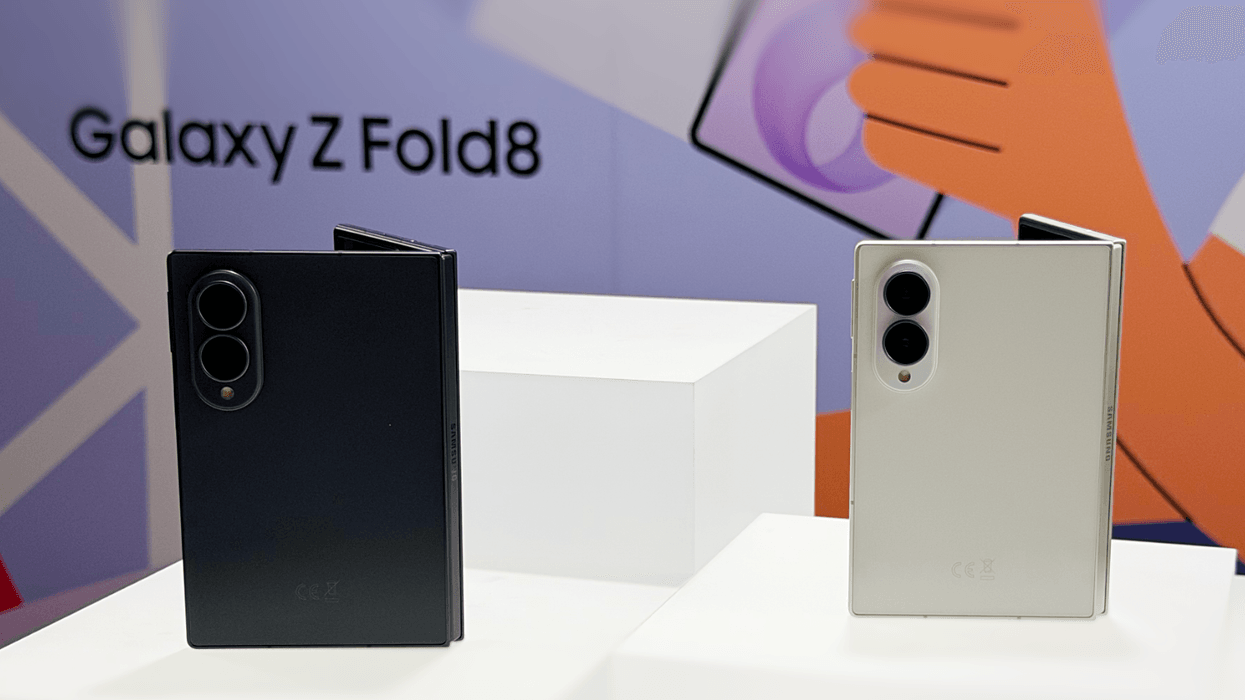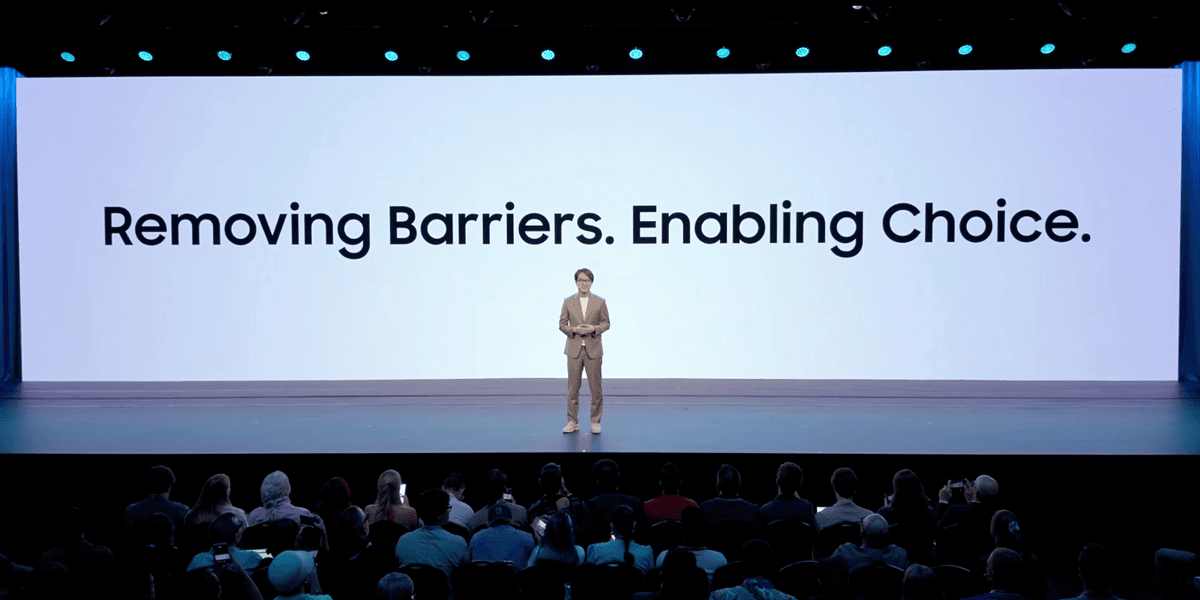
Samsung has unwrapped a trio of new foldable phones, including a refreshed Galaxy Z Flip, a top-of-the-line Galaxy Z Fold 8 Ultra, and all-new Galaxy Z Fold 8 with a squarish shape optimised for bingeing boxsets on the move.
Thinking about making the switch to one of these new foldables, but dread the hassle of moving across your messages, contacts, photos, apps, and everything else? Samsung had a surprise announcement during its Galaxy Unpacked launch event designed to tempt iPhone owners to make the switch.
The South Korean firm unveiled an all-new way to migrate your data between devices.
No more hunting for cables or spending hours manually signing into every app to recreate your setup on a new handset; Samsung is promising a seamless, wireless handover.
The new iPhone-to-Android tool can beam your passwords, passkeys, text messages and call history, downloaded files, voice memos, notes, Wi-Fi passwords, wallpaper, alarms, calendar appointments, and even your eSIM profile. Even better, the entire process can be initiated by scanning a QR code displayed on your new Android device.
If everything works as promised during the demo at Galaxy Unpacked, this could be a game-changer.
Earlier versions of this iPhone-to-Android migration assistant in Android could only copy a very limited amount of data wirelessly, with some of the most important data stuck on your iPhone unless you plugged both devices into one another via USB-C cable. Even so, there was some data that couldn't be transferred at all — call history, saved Wi-Fi networks and passwords, eSIM, to name just a few — so you'd always need to manually enter some details.
With the ability to wirelessly beam your eSIM between devices with a quick QR code scan, you should be up and running with your mobile number, contacts, and 5G connection instantaneously.
Likewise, the password transfer promises to save on arduous admin when switching to a new smartphone, as you won't be locked out of dozens of apps and websites because you can't remember the login details safely stored on your old iPhone.
The new iPhone-to-Android tool is baked into the latest version of Android.
It's already making its way to several Google Pixel smartphones, and the Galaxy Z Flip 8, Galaxy Z Fold 8, and Galaxy Z Fold 8 Ultra will all ship with the upgraded migration tool out of the box, so you'll be able to use the wireless transfer system to port over any data from your iPhone immediately.
Google says more Android handsets will unlock access to this clever functionality too, but hasn't specified an exact date. Behind the scenes, Apple and Google worked together to build this new transfer system from scratch.
It's part of a joint effort to comply with the European Union's Digital Markets Act, which requires the biggest technology companies — dubbed "gatekeepers" by lawmakers — to let you move your data freely between platforms without locking you into a single system.
The result is that setting up your new Android device should be much quicker and simpler: you'll see a QR code appear on the screen, which you just scan with your iPhone camera to pair the two phones.
Once they're connected, you choose what you want to transfer and keep both devices nearby until everything's copied over. Just make sure your iPhone is running iOS 26.3 or later, and that both phones are fully charged before you start.
After your main data moves across, you'll get a prompt to transfer your eSIM as well, keeping the whole process straightforward from start to finish. It means you'll be able to pick your next handset based on the hardware design and software features, not because you're locked into a specific operating system.