Thank you for subscribing!
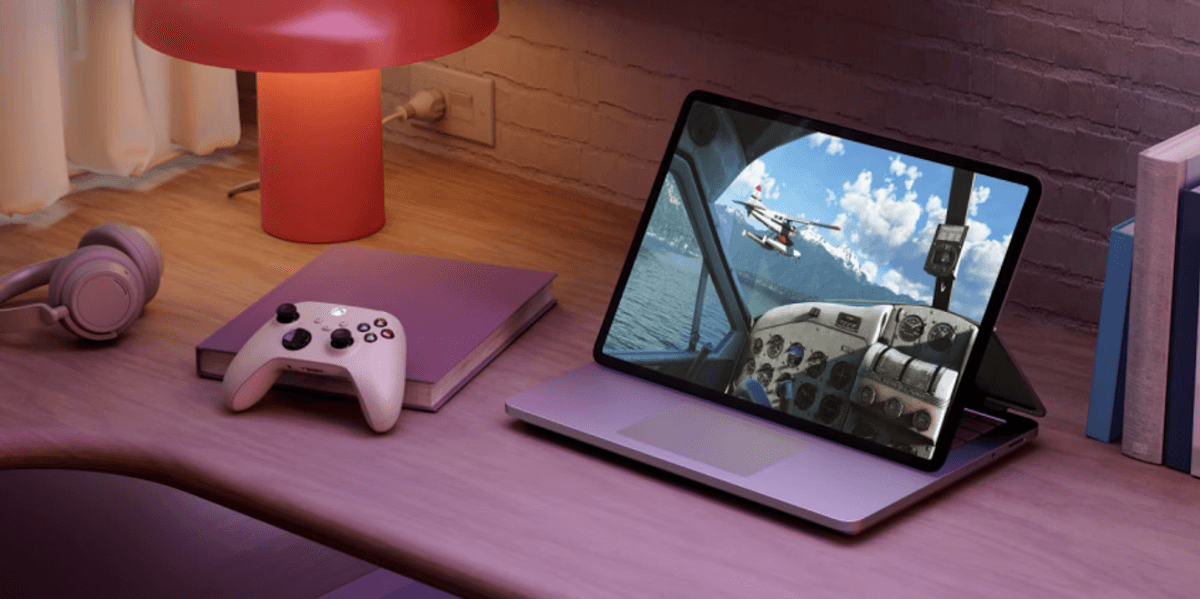
Microsoft's latest Windows 11 security patch is causing headaches for gamers, with several popular titles repeatedly crashing after installation of the new security fix. The update, known as KB5121003, landed on August 11 as a mandatory patch addressing more than 420 security vulnerabilities. It's important to install these patches, as it helps prevent bad actors from being able to easily hack into your device and steal valuable information.
But it turns out the patch has broken something important for players of ARC Raiders, The Finals, and Marvel Tōkon: Fighting Souls.
All three games have been hit by severe crashes since the update rolled out, leaving affected users stuck between keeping their PCs secure and actually being able to play. What makes this particularly frustrating is Microsoft's own release notes don't acknowledge any problems with the update.
It's not just the crashes themselves that are alarming, though. Some gamers have reported their entire system rebooting without warning while they're mid-game. A player said they experienced six separate crashes, with several of those triggering an immediate Windows restart.
However, Embark Studios, the developer behind both ARC Raiders and The Finals, has tracked down the culprit. The studio posted on Discord and pointed to a file called inpoutx64.sys — a third-party kernel-level driver that lets certain hardware tools access system ports.
"This is a crash related to the file inpoutx64.sys, which changed with the Windows update," Embark explained.
So what actually happened? It looks like KB5121003 altered something under the hood that broke how Windows interacts with this particular driver. Affected players are seeing a range of error messages when things go wrong. Among the most common are "Hang detected on GameThread" and EXCEPTION_ACCESS_VIOLATION warnings, both of which started appearing after KB5121003 was installed.
It's worth noting that the August update can also cause multiple reboots during the installation process itself, thanks to a Secure Boot certificate rollout bundled into the patch. But that's a completely separate issue — those restarts happen while the update is being applied, not while you're in the middle of a match.
Similar crash behaviour has also been spotted with certain anti-cheat software.
The gaming problems aren't the only fallout from this patch, either. Windows Hello — Microsoft's biometric and PIN login system — is also playing up for some users.
"After installing KB5121003, Windows Hello PIN sign-in fails on every single reboot, forcing me to reconnect to my Microsoft account to re-enroll the PIN each time," one affected user told Windows Latest.
If you're experiencing these complications yourself, there's thankfully a workaround.
You can remove the entire update by going to Settings > Windows Update > Update History > Uninstall Updates.
This specific patch, KB5121003, includes fixes for more than 400 security flaws, including an actively exploited zero-day vulnerability known as LegacyHive.
The flaw could allow attackers to gain administrator-level access to a compromised PC. Microsoft has also warned users not to delay installing security updates for more than three days.
That means uninstalling KB5121003 should be considered a last resort, particularly if your PC is still usable.
For many, the safer option is to keep the security update installed and remove the problematic driver instead, if that is the source of the issue.
Otherwise, it is better to wait for Microsoft to release an official fix rather than leaving hundreds of security vulnerabilities unpatched.